park4night +
- How can I subscribe to park4night+?
- What are the benefits of subscribing to park4night+?
- I have subscribed to the park4night+ version but it doesn't work. What can I do?
- How can I update my payment method?
- I have a double subscription and want to request a refund
- I have a new phone. How can I use the park4night+ version on my new device?
- How can I use my activation code (partner code)?
- How can I edit a saved trip?
- How can I delete a trip?
- My trip cannot be created and an error message appears
- How to use park4night offline?
- I am unable to download an offline map
- How can I have more than 200 favorites?
- How can I create a favourites folder?
- How can I move an existing favourite to another favourites folder?
- How can I add/remove a place to/from a favourites folder?
- How can I delete a personnalised favorite folder?
- How can I buy a gift card?
- How can I unsubscribe?
How can I create a trip with several steps?
Please note that this feature is only available in the app.
You can plan multi-stop routes with the app, which requires a park4night+ subscription.
Please note that you’ll be using an external app (e.g. GoogleMaps) to navigate. park4night will only propose the navigation apps that are already downloaded on your device.
Here's how to do it:
1. On the app home screen, click on [On a trip]
2. Enter the starting point and destination of your route
3. Click on [Add a step]
4. Select the desired stopover. There are several ways to do this.
The easiest way is to save all the stops you want as favourites in advance. Then select [Use a place from My Favourites]
If you want to choose a location that is not in your favourites:
5. Use your current location / Enter the ID of a place / Search by map / Enter GPS GPS coordinates
6. You can use the double arrow to change the order of the stops
7. Repeat the procedure until your desired route is complete
8. When finished, click on [Discover the places]
You will be shown all possible places on your route. Once a route is done, it’s automatically saved.
Need help with another question?


Mobile app
- How can I log out / log in to my account on the app?
- I have the message “Invalid password”. What should I do?
- How can I for search a place by its ID number?
- How can I add a place?
- How to edit a place?
- How can I share a place?
- How can I add photos?
- How can I delete a photo?
- Installing the Android/iOS
- Updating Android application/iOS
- How can I quit the beta version?

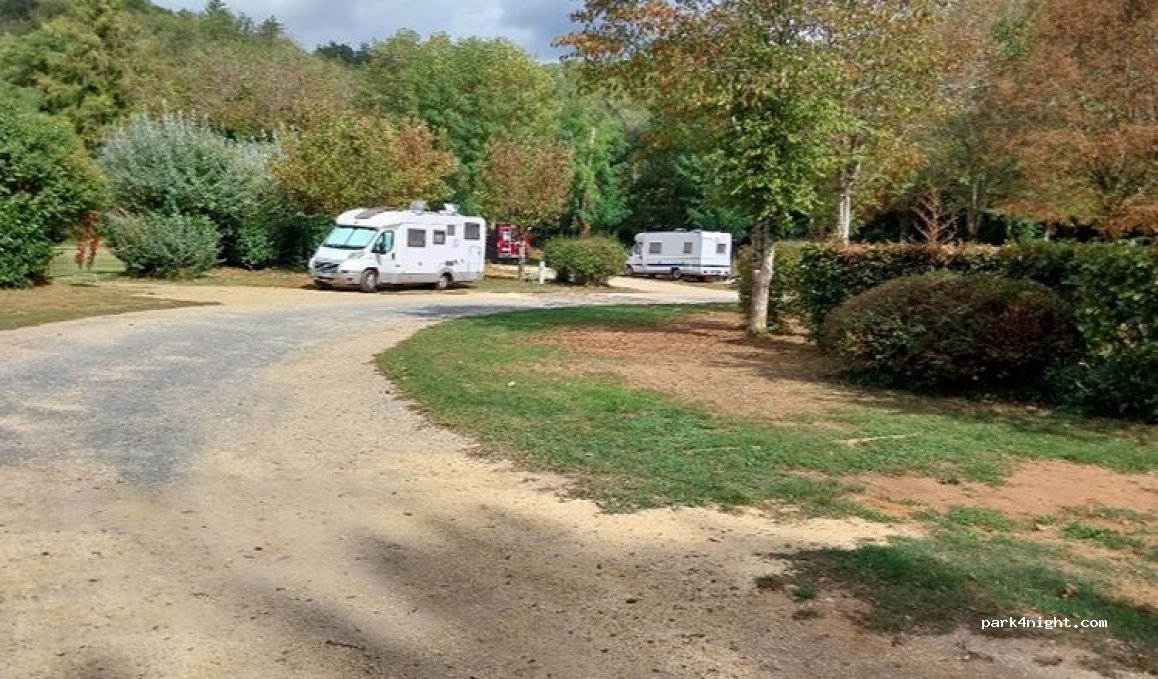

 (24620) Aire Camping-Car Park des Eyzies (Dordogne) – Capitale de la Préhistoire


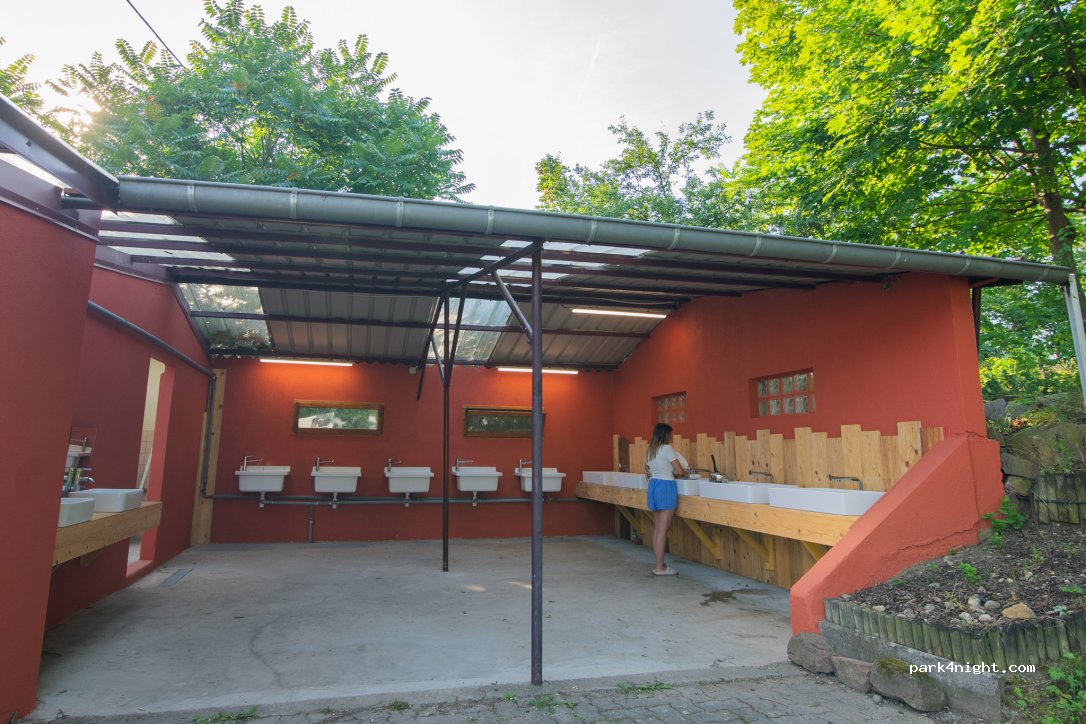



 (1568) Aire CC / Wohnmobilstellplatz Delley-Portalban