park4night +
- How can I subscribe to park4night+?
- What are the benefits of subscribing to park4night+?
- I have subscribed to the park4night+ version but it doesn't work. What can I do?
- I have a double subscription and want to request a refund
- I have a new phone. How can I use the park4night+ version on my new device?
- How can I use my activation code (partner code)?
- How can I create a trip with several steps?
- How can I edit a saved trip?
- How can I delete a trip?
- My trip cannot be created and an error message appears
- How to use park4night offline?
- I am unable to download an offline map
- How can I have more than 200 favorites?
- How can I create a favourites folder?
- How can I move an existing favourite to another favourites folder?
- How can I add/remove a place to/from a favourites folder?
- How can I delete a personnalised favorite folder?
- How can I buy a gift card?
- How can I unsubscribe?
How can I update my payment method?
*Google Play
Here is how to check/change your credit card details on your Google Play account:
- Open the "Google Play" app
- In the top right, tap the profile icon
- Tap [Payments & subscriptions] > [Payment methods] > [More] > [Payment settings]. If asked, sign in to Google Pay
- Under the payment method you want to remove, tap [Edit]
- Make your changes
- Tap [Update]
*Stripe
To check/edit your park4night+ subscription bought via Stripe, please first log in with your user account on our website
Click at the top right corner on your username, then on [My account].
If you have a subscription, you will see on the left all the information about it. Click on the right on [Manage my park4night+ subscription].
You are now redirected to the Stripe user interface. On the top right corner, you can cancel the automatic renewal by clicking on [Cancel the subscription]. In the payment method section, you can update your payment method or add a new credit card.
Need help with another question?


Mobile app
- How can I log out / log in to my account on the app?
- I have the message “Invalid password”. What should I do?
- How can I for search a place by its ID number?
- How can I add a place?
- How to edit a place?
- How can I share a place?
- How can I add photos?
- How can I delete a photo?
- Installing the Android/iOS
- Updating Android application/iOS
- How can I quit the beta version?

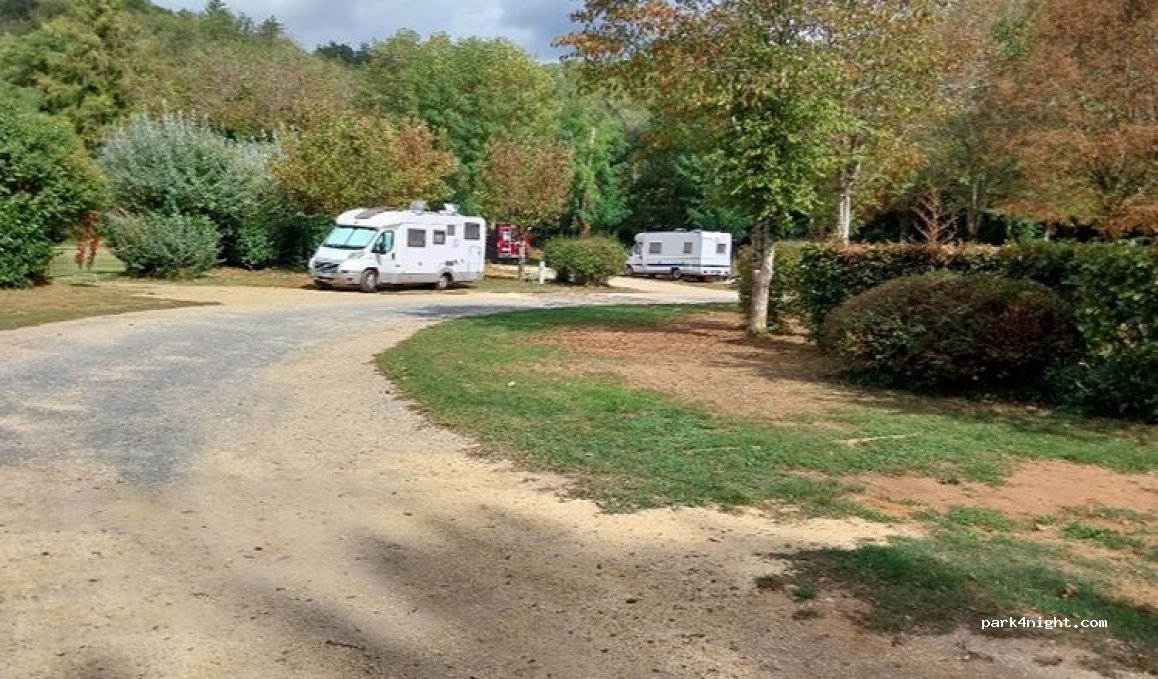

 (24620) Aire Camping-Car Park des Eyzies (Dordogne) – Capitale de la Préhistoire


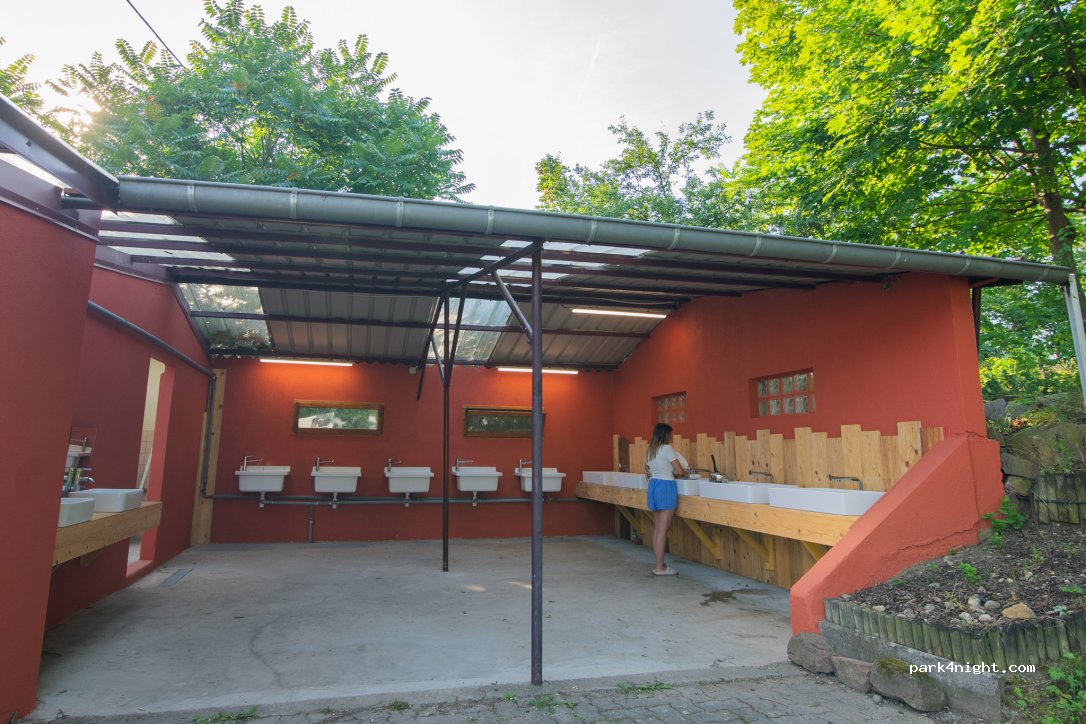



 (1568) Aire CC / Wohnmobilstellplatz Delley-Portalban